Building websites with AI has become a game-changer for entrepreneurs, freelancers, and businesses looking to create stunning, high-performing sites in minutes. AI website builders use advanced algorithms to automate design, content creation, and even SEO optimization, eliminating the need for coding or design experience.
In this guide, we’ll review the top AI website builders in 2026, comparing their features, pricing, benefits, and ideal use cases to help you choose the best tool for your needs.
What Are AI Website Builders?
AI website builders are online tools that use artificial intelligence to help you create websites quickly and easily, often without any coding or design skills required. Instead of starting from scratch or picking a template and manually customizing it, these platforms ask you a few simple questions about your business or project and then automatically generate a professional-looking website tailored to your needs.
They can do more than just design layouts; they also help write website content, suggest images, optimize for SEO, and sometimes even build e-commerce features or landing pages. Thanks to AI, creating a website becomes faster, more accessible, and often more affordable, especially for small businesses, freelancers, and anyone who wants a polished online presence without hiring a developer.
Requirements for Building a Website with AI Website Builders
Building a website using AI tools is simpler than traditional website building methods, but there are still a few key requirements to ensure a smooth process:
- Clear Purpose & Goals
Before you start, know what your website is for, whether it’s an online store, portfolio, blog, or business site. AI builders often ask about your goals to tailor the design and content accordingly. - Basic Business Information
You’ll usually need to provide details such as your business name, industry, target audience, and contact information. This helps the AI generate relevant content and structure the site effectively. - Content Assets
While AI can create text and suggest images, having some original content, like logos, product photos, or key descriptions, can make your website more personalized and authentic. - Domain Name & Hosting
Many AI website builders offer hosting and domain registration within their packages, but you’ll need to pick a domain name (your web address) or connect one you already own. Learn how much website hosting costs. - User Input & Customization
Although AI does much of the heavy lifting, you should be ready to review, tweak, and customize the generated design, content, and SEO settings to best fit your brand and voice. - Basic Tech Access
All you really need is a computer or device with internet access and a modern web browser, no coding environment or special software required.
AI Website Builders for Different Uses And Purposes
AI website builders are designed to serve distinct business objectives, from eCommerce and lead generation to portfolios and service-based brands. Different platforms leverage AI to automate design, content creation, layout structuring, and conversion optimization based on your specific goals. Whether you need a sales-driven funnel, a booking-based service website, or a content-focused blog, AI tools now offer purpose-built solutions.
Understanding the right type of AI website builder helps ensure scalability, performance, and alignment with ROI. Let’s explore the categories of AI website builders based on business use cases and strategic intent.
AI Website Builders For Beginners & Small Business
These tools focus on simplicity, affordability, and quick launches. They are ideal for users with little to no technical experience who want a functional AI-generated website without complexity.
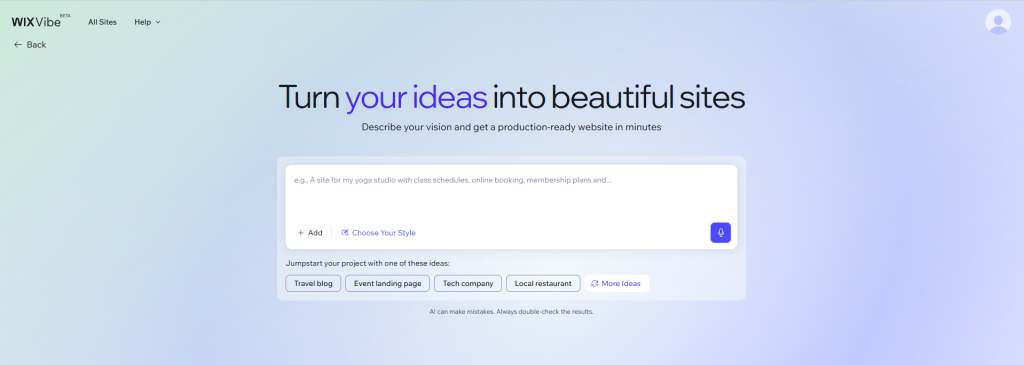
1. WiX AI (All-in-One Builder)
Wix remains one of the most versatile AI website creators for small businesses. It combines drag-and-drop control with automated website generation, built-in hosting, SEO, CRM, and marketing tools.
Best For: Entrepreneurs who want a complete AI-based website builder that grows with their business.
Features:
- Generates an AI-powered website from simple prompts
- Drag-and-drop editor with customizable templates
- Built-in hosting, domain management, and security
- Integrated business tools (booking, ecommerce, CRM, email marketing)
- SEO, analytics, and marketing automation features
Benefits:
- Launch a fully functional AI-generated website quickly
- No coding required, ideal for beginners and small businesses
- All-in-one ecosystem reduces third-party dependencies
- Easy scaling from a basic site to a full online store
- Professional design and performance in one system
Cost: Wix plans range from approximately $17 to $159 per month (billed annually), with popular options for small businesses priced at around $36 to $39 USD per month. Learn more about wix website builder.
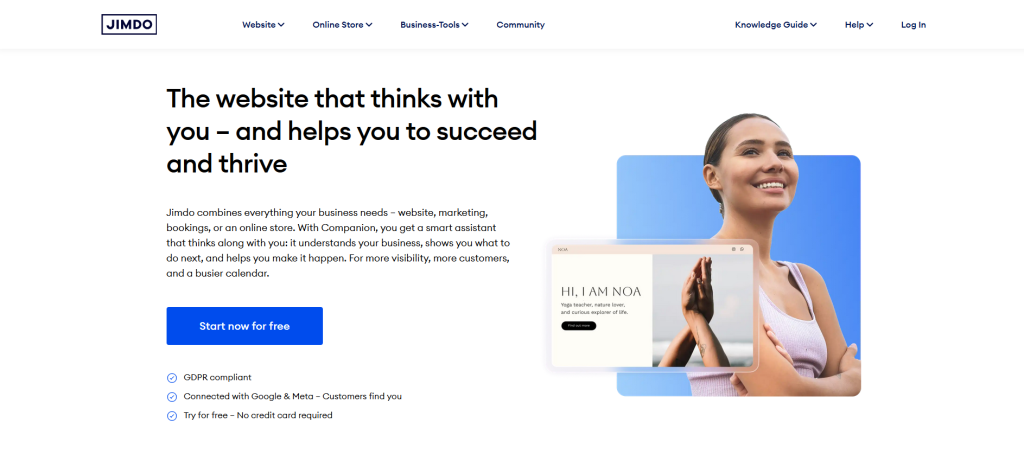
2. Jimdo Dolphin
Jimdo Dolphin is a beginner-focused AI website builder that creates tailored, mobile-optimized sites in minutes by asking a few questions. It even pulls information from Google and social media.
Best For: Freelancers and local businesses that need fast AI-driven website creation without design expertize.
Features:
- AI-driven website creation from short questionnaires
- Automatic layout, image, and content generation
- Responsive mobile-first designs
- Built-in SEO tools and Google integration
- Simple ecommerce for small stores
Benefits:
- Extremely fast website setup
- Perfect for non-technical users
- Affordable and efficient
- Clean professional layouts with minimal effort
Cost: Jimdo Dolphin pricing is available on annual or monthly subscriptions, with plans starting at $0-$39 USD.
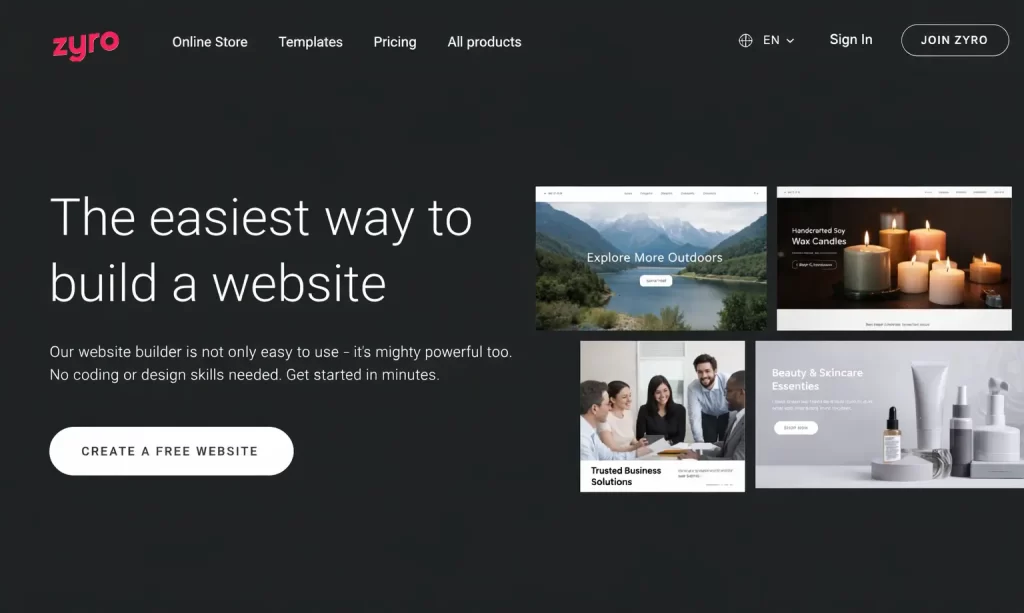
3. Zyro
Zyro stands out as an affordable AI website builder with automation tools for writing, logos, and heatmaps. It is excellent for startups wanting speed and simplicity.
While customisation is limited, it’s well-suited for beginners launching their first AI website-building project.
Features:
- AI content writer and logo creator
- Drag-and-drop editor
- Mobile-responsive templates
- Built-in ecommerce and payment tools
- Secure hosting with SEO optimisation
Benefits:
- Faster website creation with AI automation
- Beginner-friendly interface
- Cost-effective for startups
- Improves conversions using AI insights
Cost: Pricing for Zyro-powered hosting plans starts at $42-$169 USD for professional websites, with advanced online store options at $339 USD per month.
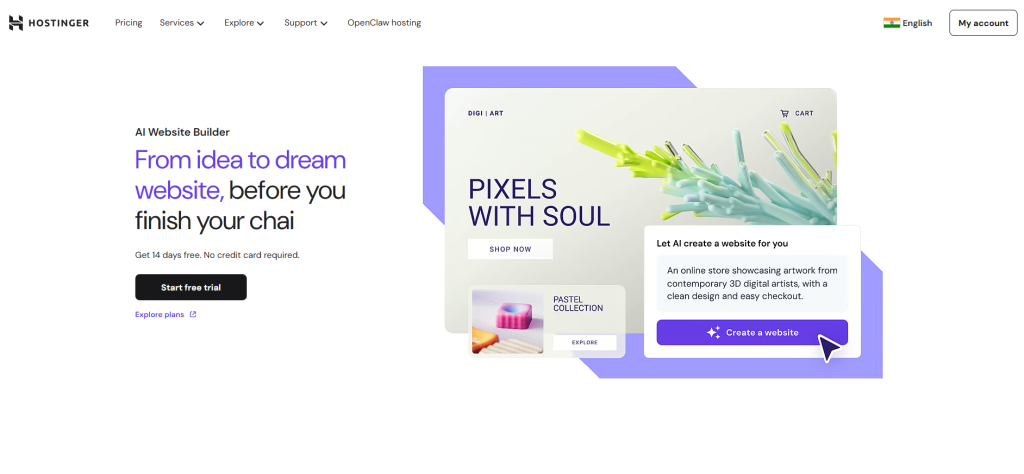
4. Hostinger AI
Hostinger AI is an all-in-one AI builder that generates complete websites through simple prompts, combined with affordable hosting and performance tools. It’s practical for startups wanting performance without high cost.
Best For: Users seeking an efficient website AI builder with reliable speed and security.
Features:
- AI website generation
- Drag-and-drop customisation
- Ecommerce capabilities
- Mobile optimization
- All-in-one hosting packages
Benefits:
- Fast, optimized website launch
- No technical knowledge required
- Budget-friendly with strong performance
Cost: This tool is highly affordable, typically priced at $1.99-$2.99 USD per month for personal and small-business websites. A 14-day free trial plan is also available to test the builder.
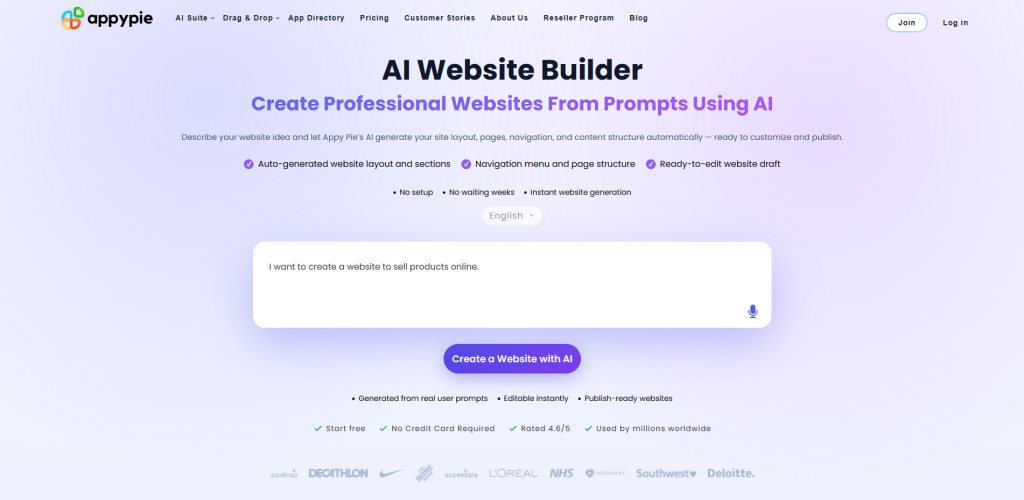
5. Appy Pie AI
A popular no-code AI-driven platform designed for creating apps, chatbots, and stores, even in limited internet conditions. Its flexibility makes it attractive to niche services and micro-businesses that need quick deployment.
Features:
- AI website creation with automation
- Drag-and-drop customisation
- Ecommerce, blog, and payment integration
- Mobile responsive templates
- SEO tools and analytics
Benefits:
- Time-saving automation
- Quick updates and scaling
- Ideal for beginners and niche businesses
- Cost-effective growth solution
Cost: It offers cost-effective, no-code app development with monthly plans starting at $16, making it highly affordable for startups and small businesses.
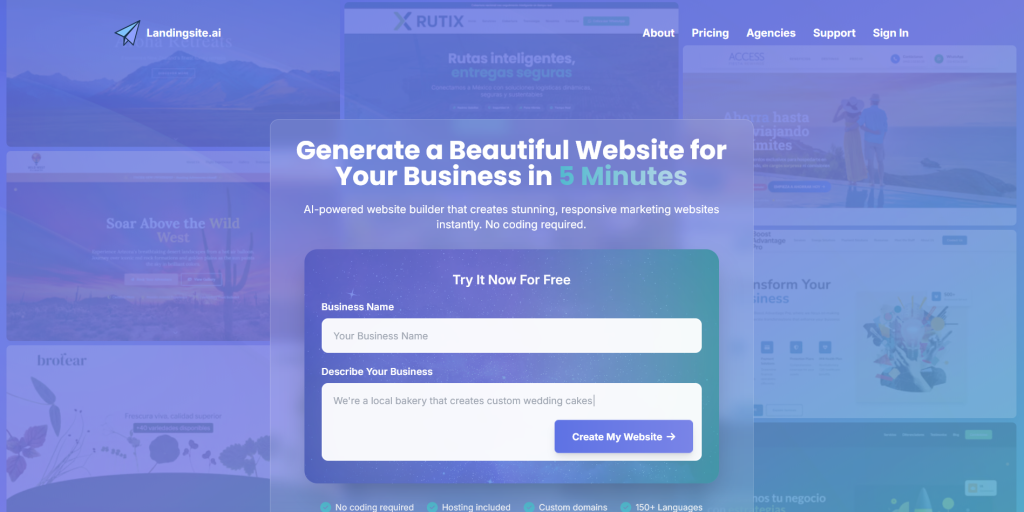
6. Landingsite AI
Landing Site is a no-cost website builder that helps you quickly create high-converting landing pages. With pre-built sections, conversion-optimized templates, and simple customisation tools, teams can launch polished pages fast.
It prioritizes layouts, typography, and page structure that have been proven to drive sign-up sales, while still allowing creative control.
Standout Features:
- AI-powered goal-oriented landing page generation
- Conversion-optimized templates and free-built sections
- No-code drag and drop fast customisation
- Mobile responsive and performance-focused layouts
- Built-in forms, integration, and analytics support
Benefits:
- Speeds up the creation of high-converting landing pages
- Reduces time from idea to launch significantly
- Help designers and the creative team focus on strategy, not setup
- Reduces time from idea to launch significantly
- Ensures clean, professional, and conversion-ready styles
- Ideal for product launches, campaigns, and marketing experiments
Cost: The basic plan starts at $12/month, and the premium plan starts at $24/month. The premium plan often includes a custom domain for the first year, keeping the initial setup cost low.
AI Website Builders For Design & Creative Focus
These platforms prioritize creative control, animations, and visual excellence. They suit designers, agencies, and brands that want a polished AI website design rather than just functional pages.
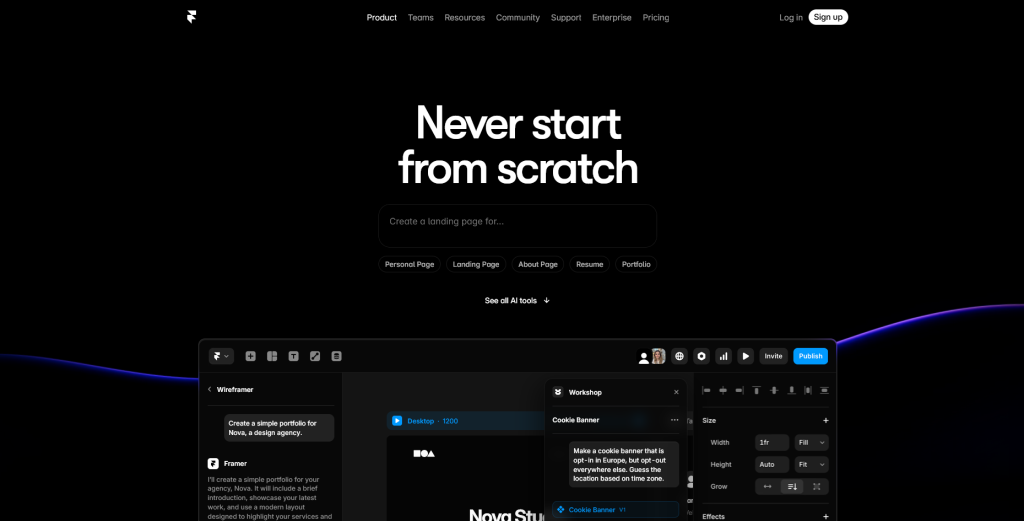
1. Framer AI
Framer merges design precision with automation. It feels similar to Figma, but outputs live websites instantly. Perfect for interactive layouts and creative storytelling.
Features:
- AI layout and theme generation
- Real-time visual editing
- Responsive layouts
- Built-in CMS and animations
- Fast hosting and SEO tools
Benefits:
- Speeds up creative workflows
- High-fidelity visuals
- Deep customisation without complex coding
- Modern high-performance sites
Cost: Pricing starts at roughly $5-$100 USD per month for basic, personal, or professional sites, depending on features.
2. Webflow AI
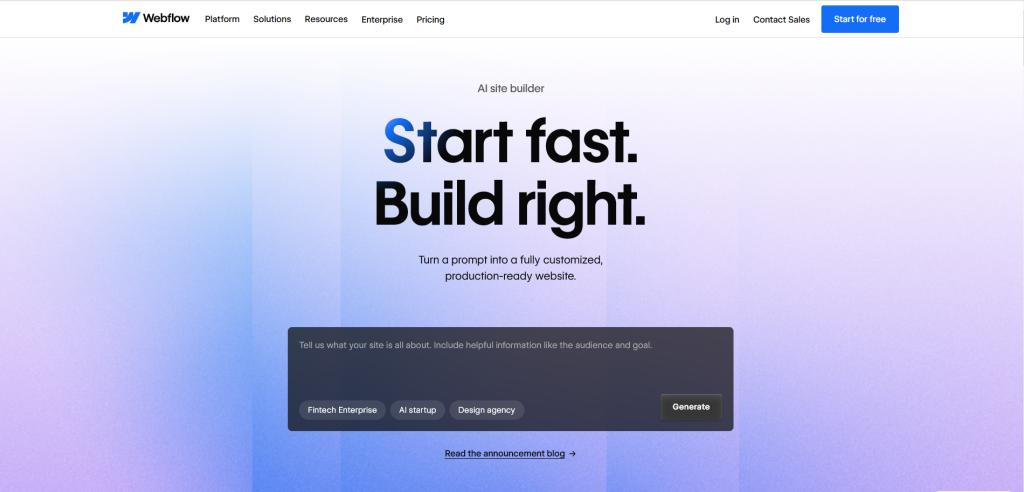
Webflow balances automation with deep customisation. Designers can generate structures on a website and then fine-tune every pixel. Ideal for high-fidelity prototypes and CMS-driven sites.
Features:
- AI structure and scaffolding
- Visual editor with CSS-level control
- Performance optimisation via CDN
- Collaborative design tools
Benefits:
- High-fidelity prototypes
- Automated SEO and CMS assistance
- Full customisation with AI assistance
Cost: The initial price of the Weblow AI website builder depends on the advanced features selected. The basic plan starts at $14 per month. CMS plans start at $23 per month, and businesses pay $39 per month.
3. Relume
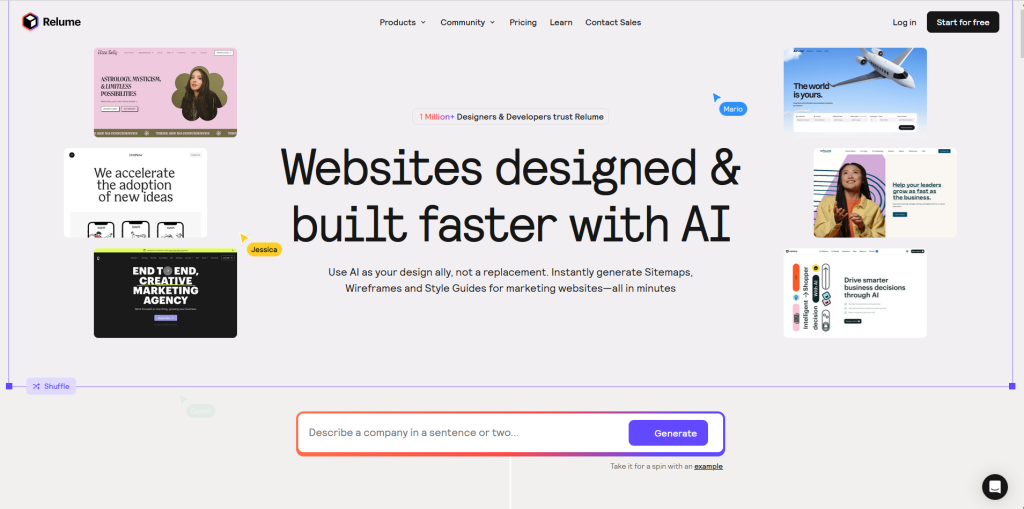
With Relume, users can generate full site maps and wireframes from a simple prompt in minutes rather than hours. It provides access to 1,600+ prebuilt, responsive components ready to use in Webflow or Figma.
It is particularly beneficial for web developers, agencies, and freelancers looking to accelerate the initial phase of website creation.
Standout Features:
- AI-powered sitemap and wireframe generation from simple prompts
- Large library of reusable, modular UI components
- Figma and Webflow integration for seamless design workflow
- Structured design system for consistent layouts
- Rapid prototyping tools for fast iteration
Benefits:
- Speeds up the early design and wireframing process
- Ensures brand and layout consistency across projects
- Ideal for designers and creative teams building scalable websites
- Reduces repetitive design work with reusable components
- Improves collaboration between designers, developers, and stakeholders
Cost: Relume offers three main plans, starting with a free option, followed by a starter plan. The starter pack typically costs $18 USD/month, and the premium packages range from $40 USD/month, each with a 7-day free trial. To know more in detail, click here.
4. Divi AI
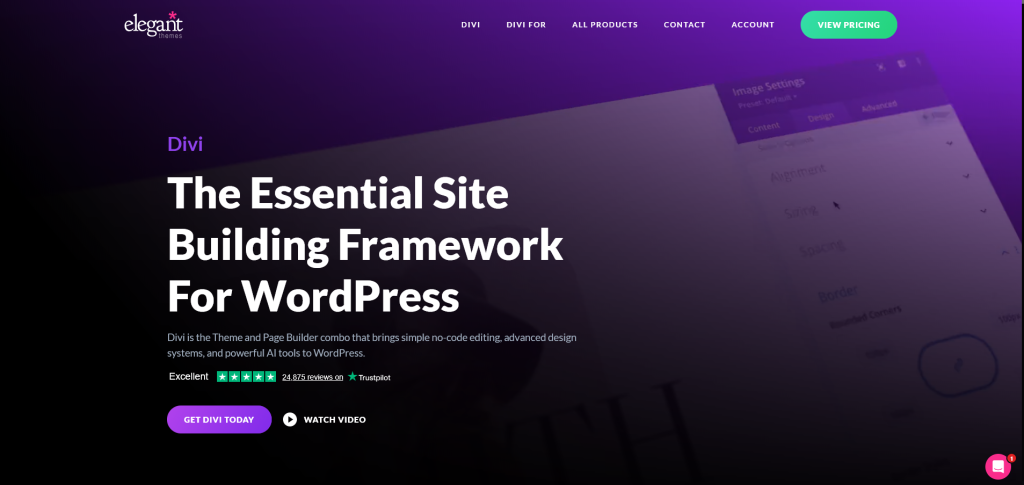
Integrated into WordPress, Divi AI understands branding context and generates matching sections, images, and copy. It reduces tool switching while maintaining consistency.
Features:
- AI layout, image, and content generation
- Visual drag-and-drop editing
- Context-aware AI understands brand style
- Responsive controls and WooCommerce support
Benefits:
- Faster design and branding consistency
- No coding required
- Ideal for agencies and multi-project teams
Cost: The basic plan for DIVI AI starts at $21.36 per month, with an annual plan at $193/year ($1.8/month). It includes unlimited AI text, images, code, and layout generation with a paid membership.
WordPress-Centric Tools with AI
These tools are ideal for users who prefer WordPress ecosystems but want automation.
1. 10Web AI
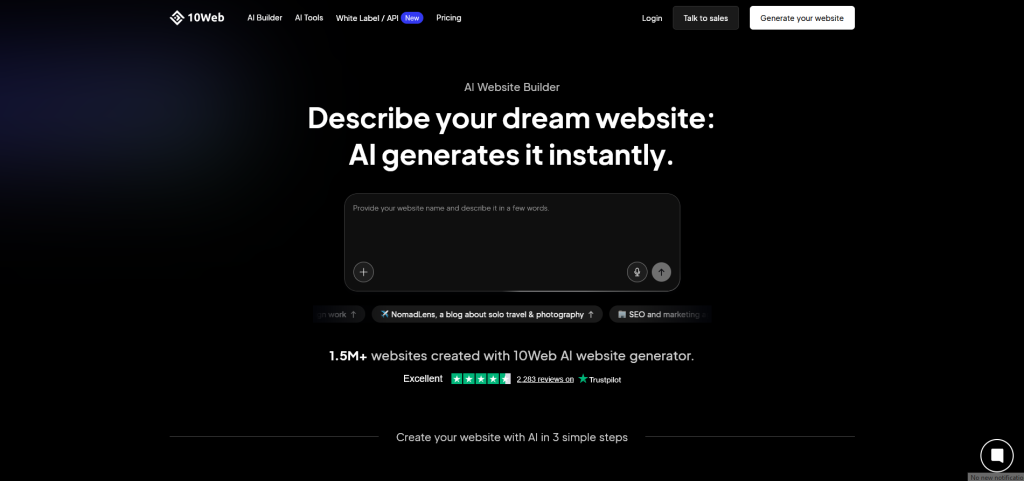
10Web AI is a powerful AI website builder for agencies and freelancers. It automates WordPress site generation while offering managed hosting, speed optimisation, and security.
It dramatically reduces development timelines while maintaining professional output.
Features:
- AI WordPress site generation
- Elementor-based drag-and-drop editing
- PageSpeed optimisation
- Google Cloud managed hosting
- Automated backups and security
Benefits:
- Dramatically reduces development time
- Ideal for agencies and freelancers
- High-speed optimized sites
- Simplified scaling and management
Cost: Prices typically start at $10 per month for basic plans, $15 per month for professional websites, and $23 per month for high-traffic websites, with unlimited AI image generation.
2. Elementor AI
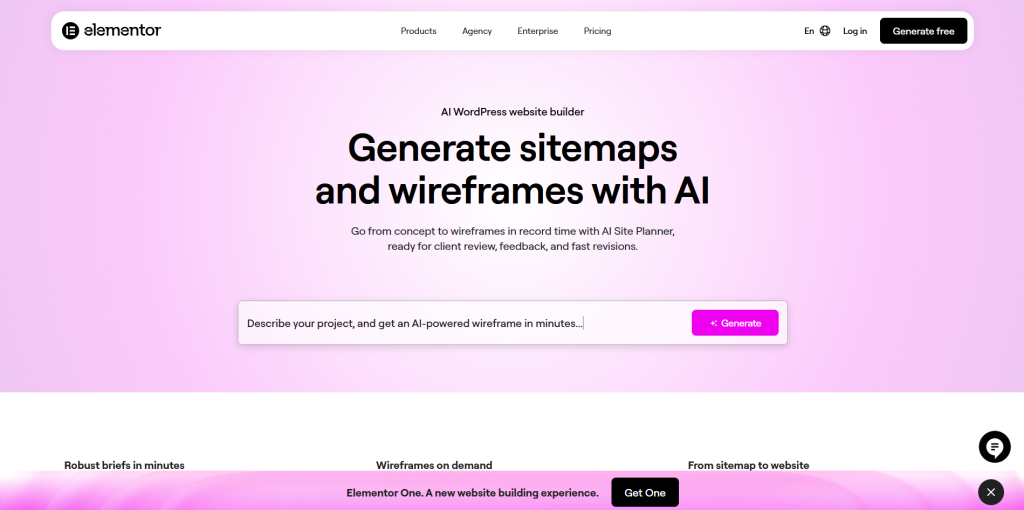
This AI-powered website builder is designed specifically for WordPress and integrates directly into the Elementor editor to generate layouts, text, images, and code.
It allows designers to create or edit CSS and HTML on the Spot without switching tools, enabling them to deliver high-quality, on-brand websites faster while maintaining full creative control.
Standout Features:
- AI-image generation tailored to design context and page layout
- AI-assisted Custom CSS and HTML code creation
- Seamless integration within the Elementor visual editor
- Multilingual support and tone/style customisation
Benefits:
- Reduces reliance on external tools and resources
- Help designers and the creative team stay focused in one interface
- Maintains brand consistency across multiple pages
- Enables faster delivery of professional, high-quality websites
Cost: For small businesses, the starter pack costs $2- $20 per month. For a cloud startup, it costs $6.06 USD per month (billed annually).
3. Dorik AI
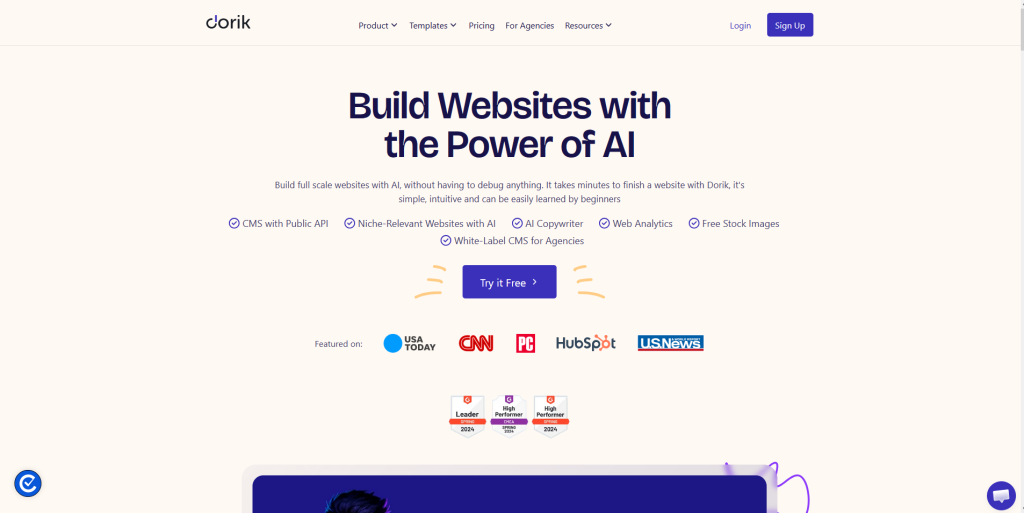
Dorik AI is an all-in-one website builder that generates a full website, including AI-generated text and images, from simple prompts. It combines AI-assisted site generation with a simple visual editor, enabling users to go from an idea to a live website in minutes.
Additionally, Dorik AI offers a free plan that allows you to build, publish, and host up to 5 websites with a subdomain.
Standout Features:
- AI-powered website generation from simple text prompts
- Clean, modern templates with no-code visual editor
- Responsive design control for all devices
- Built-in CMS, blogging, and membership features
- White-label options, custom domain, and hosting included
Benefits:
- Enables quick website creation without technical complexity
- Maintains clean design and consistent branding
- Simplifies client management and scalable project delivery
- Ideal for designers, freelancers, and creative agencies
- Reduces development time while delivering professional results
Cost: The personal-use subscription is $5.78 USD per month, and the business annual plan is $12.35 USD per month.
AI Website Builders For Ecommerce & Growth-Focused
These tools are designed for businesses that prioritize sales, conversions, and marketing analytics over mere presence.
1. Shopify AI
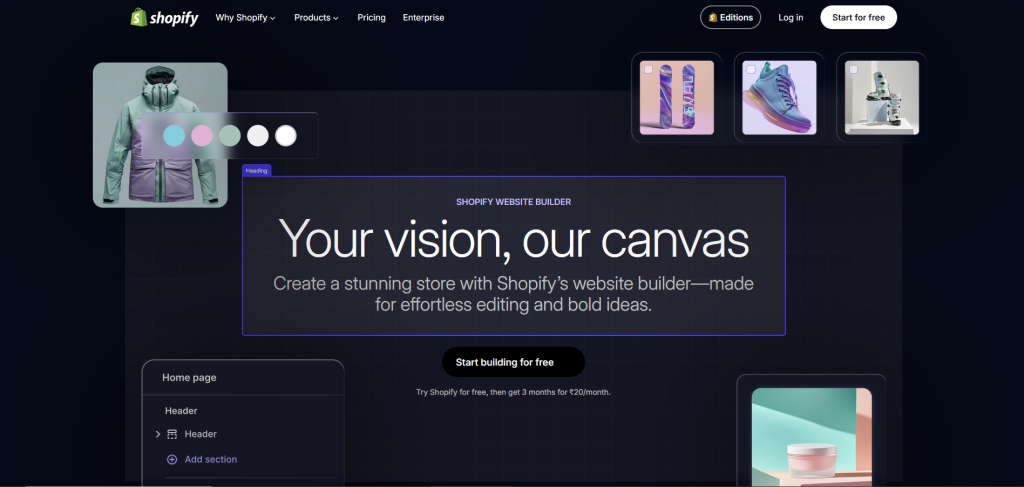
Shopify’s automation helps merchants build complete online stores, generate product descriptions, and manage inventory effortlessly. It’s one of the most reliable AI website makers for scalable e-commerce businesses.
Features:
- AI store setup and theme suggestions
- Product description generation
- Inventory and payment systems
- Mobile-optimized themes
- Advanced analytics and SEO
Benefits:
- Rapid online store launch
- Conversion-focused design
- Reduces manual listing effort
- Secure, reliable infrastructure
Cost: The basic Shopify AI subscription plan for solo entrepreneurs is $5 USD. Its Grow Shopify package starts at $39 USD for small teams. Its advanced package starts at $399 USD, and its premium subscription is $2500 USD per month.
2. Unbounce Smart Builder
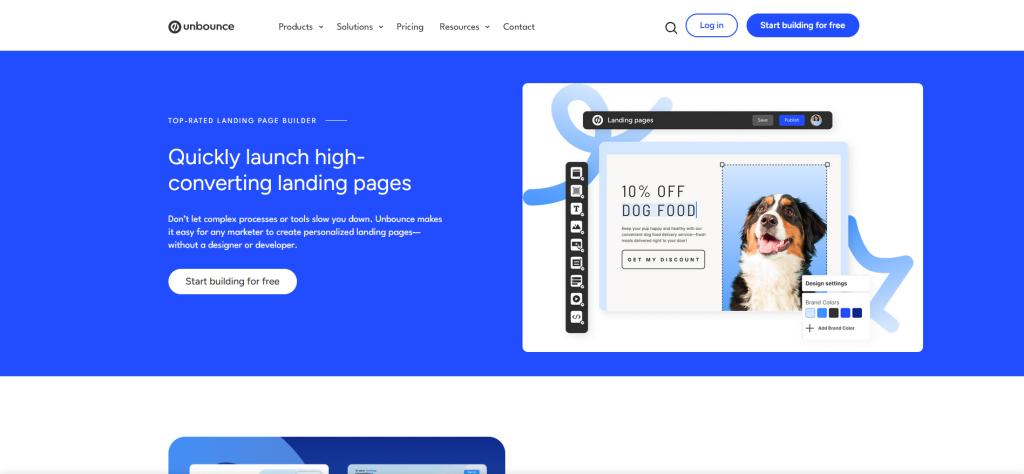
A landing-page-centric AI website builder focused on conversions. It uses data-driven insights to optimize headlines, layouts, and CTAs for marketing campaigns.
Features|:
- Industry-based landing page AI
- Smart copy and traffic tools
- Pixel-level editor
- Conversion templates
- Marketing integrations
Benefits:
- Improves ROI and lead generation
- Data-driven optimisation
- Faster campaign launches
- Ideal for marketers and agencies
- Reduces guesswork
Cost: Unbounce’s landing page builder pricing, including the Smart Builder, ranges from $22 to $189 USD per month, with significant discounts for annual billing.
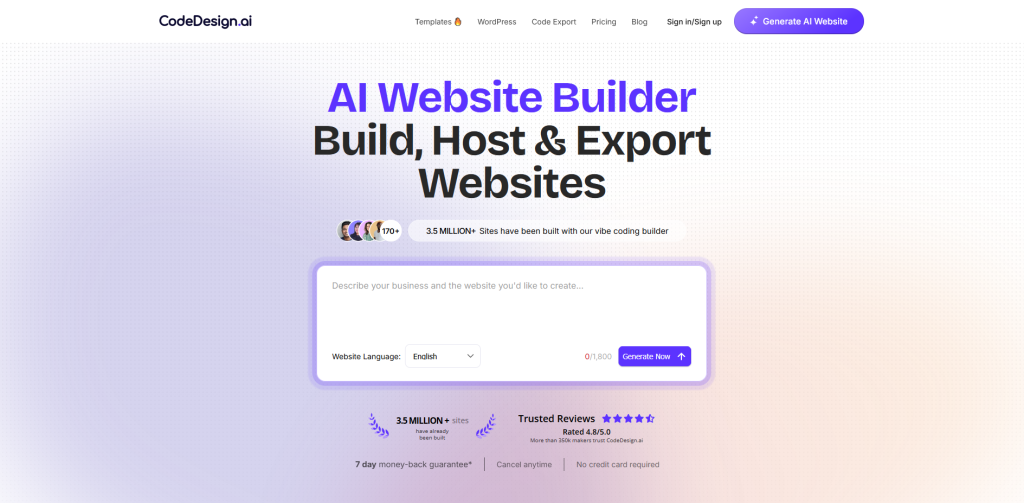
3. CodeDesign.ai
CodeDesign offers a blend of automation and creative flexibility. Users can generate entire sites with AI while maintaining control over branding and sections, making it ideal for startups and agencies.
Features:
- Prompt-based website generation
- Responsive templates
- Built-in hosting and SEO
- Marketing integrations
- Custom domain support
Benefits:
- Quick prototyping
- Balanced automation and control
- Strong brand flexibility
- Agency-friendly delivery
- Professional results without coding
Cost: It offers a range of pricing plans, starting with a free option for up to 3 projects, and paid monthly subscription costs typically range from $15 to $99 USD per month for advanced features. A one-site lifetime full-access plan is available for $99- $499 USD.
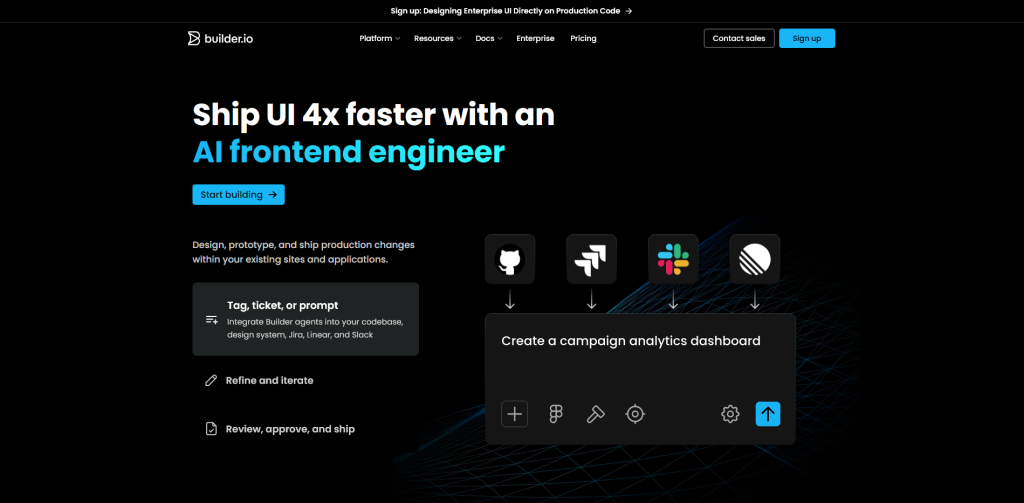
4. Builder.io
It is one of the best AI website builders in 2026, offering a powerful visual editor and a headless CMS, enabling teams to create, edit, and publish content via a drag-and-drop interface.
It integrates seamlessly with existing tech stacks, including Shopify, Next.js, and Angular, allowing teams to keep their current framework while leveraging features such as A/B testing and personalisation.
Standout Features:
- AI-assisted app and website development planning
- Pre-built feature library (“building blocks”) for faster development
- Dedicated project management and development support
- Customizable web and mobile app development
- Transparent pricing and a milestone-based delivery system
Benefits:
- Simplifies complex app and web development for non-technical founders
- Reduces development time using reusable feature components
- Provides guided support throughout the project lifecycle
- Minimizes technical risk with structured processes
- Ideal for startups and businesses wanting custom solutions without managing a full in-house tech team
Cost: This tool offers a free tier up to 10 users, with a pro plan priced at $30 per user per month, and a custom enterprize pricing starting at $50 USD per user per month.
AI Website Builders For Ultra-Fast & Simple Launch
These platforms are ideal for users who prioritize speed, making them well-suited for quick campaigns, MVPs, or experimentation with AI-generated website tools.
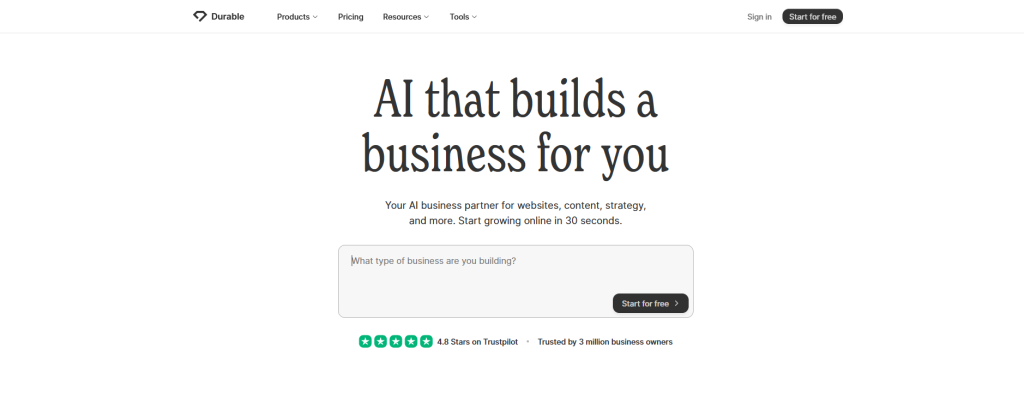
1. Durable AI
Durable builds full business websites in under a minute, including copy, images, and branding. A true rapid-website-creation AI tool for solopreneurs.
With a brief prompt about your business, it automatically generates pages, images, and basic content.
Features:
- One-click AI site generation
- Pre-built business templates
- Basic customisation tools
- Mobile-responsive layouts
- Built-in hosting and SEO
Benefits:
- Fastest website builder AI solutions
- Ideal for micro-businesses
- Minimal setup time
- Clean professional layouts
- Great for quick experiments and MVPs
Cost: Durable AI pricing starts at $12 USD per month (billed annually) for the starter plan, with pricing ranging from $20 to $70 USD for powerful marketing, as of early 2026.
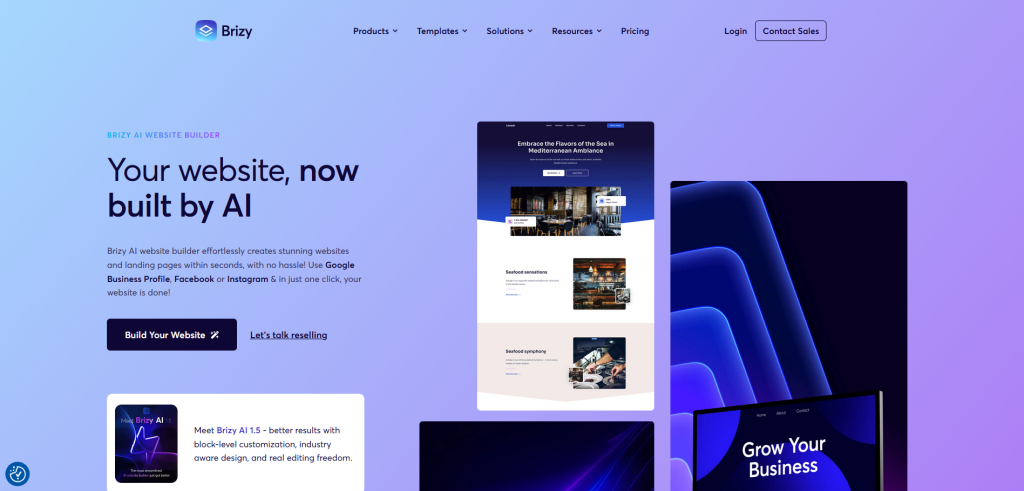
2. Brizy (With AI Aid)
Using Brizy with AI assistance significantly changes the website design, enabling the creation of fully responsive, multi-page websites in seconds.
It slashes development time and costs for agencies and freelancers, offering easy, no-code optimisation, SEO -friendly structures, and white-label options.
Features:
- Pre-designed blocks and conversion-focused templates
- Full WordPress integration with theme compatibility
- Responsive design controls for desktop, tablet, and mobile
- Popup builder and marketing form integrations
- White-label options for agencies
Benefits:
- Reduces design and content creation time with AI-assistance
- No coding required, beginner-friendly yet powerful
- Ideal for marketers, freelancers, and small agencies
- Maintains flexibility and scalability inside the WordPress ecosystem
- Helps deliver polished, professional, and conversion-ready websites quickly
Cost: Brizy offers flexible pricing for its website builder, with both WordPress plugin and cloud-hosted options, starting at $19 for personal use and ranging from $69 to $159 USD per month for agency/white-label solutions.
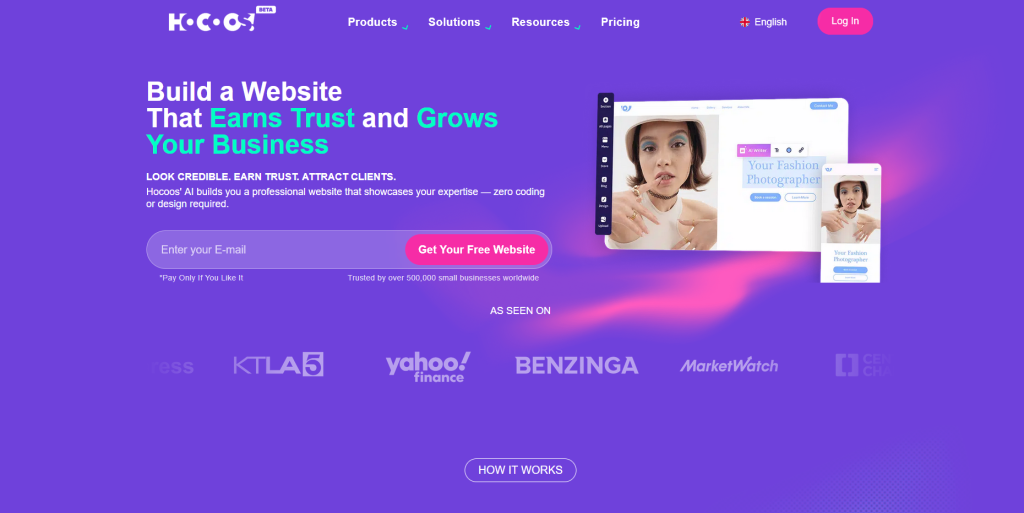
3. Hocoos
Hocoos focuses on guided automation, providing structured templates and quick editing options. It asks a few guided questions and then generates a tailored site based on the answers.
Features:
- AI-driven questionnaire setup
- Industry-specific templates
- Responsive design
- Simple editing interface
Benefits:
- Businesses can go live the same day.
- Suitable for non-technical users
- Affordable alternative to agencies
- Good for personal brands and freelancers
Cost: It’s free plan allows you to build and host a website with limited features. Premium plans cost $15 USD per month or $150 USD per year and include two months free.
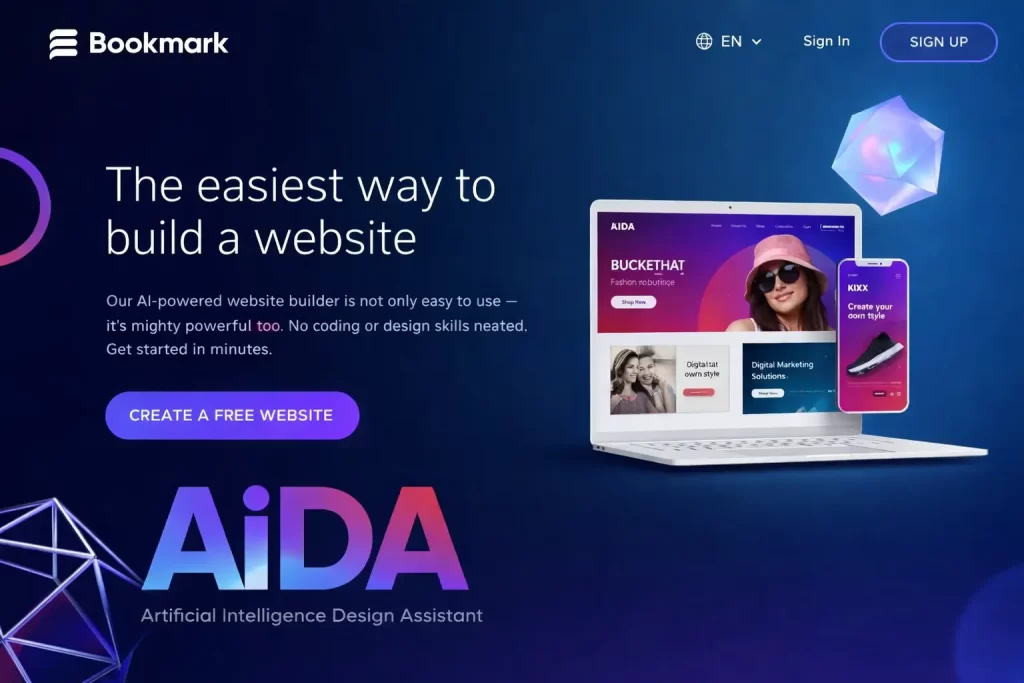
4. Bookmark/AIDA
Bookmark is an AI website-creation platform known for its assistant-style builder, often called the AIDA (Artificial Intelligence Design Assistant). It generates a website after collecting basic information about the user’s goals and industry.
Features:
- AI assistant design process
- Ready-to-use templates
- Mobile-friendly output
- Core customisation options
Benefits:
- Helpful for events, startups, or short-term projects.
- Let’s users validate ideas before investing heavily.
- No design or coding knowledge needed.
- Saves both time and effort while still delivering a polished look.
Cost: It offers subscription-based pricing ranging from $11.99 to $29.99 per month for standard plans, which include all professional features and e-commerce tools.
Types of Websites You Can Make Using AI
One of the coolest things about AI website builders is how flexible they are, you can build just about any kind of website you need, without having to start from scratch or learn complex coding.
If you’re a small business owner, you can quickly set up an e-commerce store to sell products online. AI tools will help you create product pages, shopping carts, and even handle payments smoothly.
For freelancers, creatives, or anyone looking to showcase their work, AI makes it easy to build a professional portfolio website that highlights your best projects with minimal effort.
If blogging is your thing, AI can help you launch a blog site complete with well-structured articles, SEO-friendly layouts, and easy navigation, so you can focus on writing instead of formatting.
There are also AI tools designed for landing pages and MVPs (minimum viable products), perfect for startups or marketers who want to test ideas fast with a simple, clean web presence.
Need a site for your restaurant, salon, or local service? AI builders can whip up a business website with essential info like menus, contact forms, booking systems, and customer reviews in no time.
And if you want to get creative, many platforms let you build event websites, personal pages, or even membership portals with AI-generated designs tailored to your unique needs.
In short, whether it’s selling products, sharing your passion, or launching a new venture, AI-powered website builders open the door to endless possibilities, making website creation easier than ever.
Best AI Website Builders for Different Types of Websites
Best AI Website Builders for Ecommerce Websites
If you want to set up an online shop quickly, Wix ADI and Hostinger’s AI Builder are great picks. They offer built-in shopping carts, payment processing, and product page templates,making it simple to get your store up and running fast.
Best AI Website Builders for Portfolio Website
For creatives and freelancers showcasing work, Framer AI shines with its design flexibility and stunning visual layouts. It lets you craft a unique portfolio that stands out, while AI helps polish your content and design.
Best AI Website Builders for Blogs and Content Sites
If blogging is your focus, WordPress.com AI Site Builder is a solid choice. It integrates the power of WordPress with AI-generated content and layouts, so you can publish faster and keep things SEO-friendly.
Best AI Website Builders for Landing Pages and MVPs
Need a quick, no-fuss landing page or MVP to test a new idea? Durable AI and Mixo specialize in rapid, AI-driven site creation that gets you online within minutes, complete with SEO and marketing tools.
Best AI Website Builders for Local Business Websites
For restaurants, salons, or any local business, IONOS MyWebsite offers budget-friendly AI-assisted site building with handy features like appointment booking, menus, and contact forms.
Best AI Website Builders for Event or Personal Sites
If you want something more niche, like an event page or personal site, many builders like Bookmark (with AIDA) and Zyro offer templates and AI guidance to get creative without overwhelm.
Best Practices When Using AI Website Builders to Create a Website
AI website builders make it super easy to get a site up and running, but to make sure your website actually works for your audience (and doesn’t just look good on the surface), there are a few best practices to keep in mind:
1. Start with a Clear Goal
Before diving in, know what you want your website to do. Are you selling products, showcasing your work, booking clients, or building a personal brand? Your goal will guide the AI’s decisions during setup and help you choose the right layout and features.
2. Let the AI Get You Started, Then Customize
AI-generated websites are a great starting point, but don’t just hit “Publish” right away. Take time to edit the content, replace generic stock images, and adjust the layout to reflect your brand’s personality and tone.
3. Use Your Own Branding Elements
Upload your own logo, use your brand colors, and write in your own voice. AI can generate decent content, but your site will feel more authentic (and build trust) when it looks and sounds like you.
4. Don’t Skip Mobile Optimization
Most AI builders automatically create mobile-responsive designs, but it’s still worth previewing your site on a phone or tablet to make sure buttons, text, and images look right. Mobile users are often your biggest audience.
5. Check SEO Settings Before Launch
AI can help write your meta descriptions and title tags, but take a few minutes to review and fine-tune them. Add relevant keywords naturally, use descriptive URLs, and make sure each page is optimized to be found on Google.
6. Edit AI Content for Clarity and Personality
AI-generated copy can be surprisingly good, but also a little generic. Rewrite important sections like your homepage intro, “About” page, and service descriptions so they sound natural, warm, and human.
7. Test Before Going Live
Click through every page, test all links, and try out your contact forms or checkout process (if you’re selling online). A quick final check can save you from an embarrassing error or broken feature.
8. Update Regularly
Don’t treat your AI-built site as a one-and-done project. Keep your content fresh, update blog posts or products, and use built-in analytics to see what’s working (or what’s not).
9. Keep It Simple at First
Avoid stuffing your site with every widget and feature just because the builder offers them. Start lean, make sure the basics work well, then grow your site as your needs evolve.
10. Back Up Important Content
Even though AI tools are cloud-based and reliable, it’s still smart to keep your key website content, like blog posts, product info, or service details, backed up elsewhere, just in case.
Final Thoughts
Each AI builder shines in a different area: Wix ADI for overall beginner-friendliness, Framer AI for design-forward teams, Durable AI for speed and automation, Hostinger for affordability, WordPress.com AI for those aligned with WordPress, and IONOS MyWebsite for cost-conscious, no-fuss users.
Need More Help With AI Website Builders? Contact RankON Technologies!
RankON Technologies is a trusted website development company in India. We offer affordable website development packages. Contact us today to learn more about our website development services.
FAQs About AI Website Builders
An AI website builder is a tool that uses artificial intelligence to help you create a website quickly. It usually asks you a few questions, like your business name, industry, or goals, and then automatically generates a custom website with text, images, and layouts ready to go.
Not at all. That’s one of the biggest perks of AI website builders. They’re designed for beginners, so everything is handled visually, and the AI takes care of the heavy lifting, from layout to content suggestions.
Yes! Most AI builders give you a starting point using AI, but you can still go in and tweak things,change colors, rearrange sections, edit text, or add your own branding. Some platforms (like Framer AI) offer a lot of flexibility for creatives.
Definitely. Platforms like Wix ADI, Hostinger AI, and 10Web support e-commerce features like product listings, shopping carts, secure payments, and order management.
Most are, yes. AI builders often include built-in SEO tools like editable meta tags, optimized page structures, and image alt texts. Some, like Durable AI, even write your meta descriptions for you.
Prices vary. Some platforms have free plans (with limited features), while others start around $3–$10/month for basic plans. Premium features like custom domains, e-commerce, or marketing tools usually cost more.
Yes. Most AI website builders allow you to use your own domain name, either by purchasing it through the platform or connecting one you already own.
Absolutely. Most AI builders automatically generate responsive designs, meaning your site will look good on desktops, tablets, and smartphones without extra effort.
While they’re great for getting started quickly, some builders may have limited customization or integration options. For complex websites with advanced functionality, traditional platforms or custom development might still be better.
The AI gives you a strong head start, but you’ll usually want to go in and personalize it. Think of it like a first draft: great structure, solid content, but your finishing touches make it truly yours.





 Public Fraud Alert